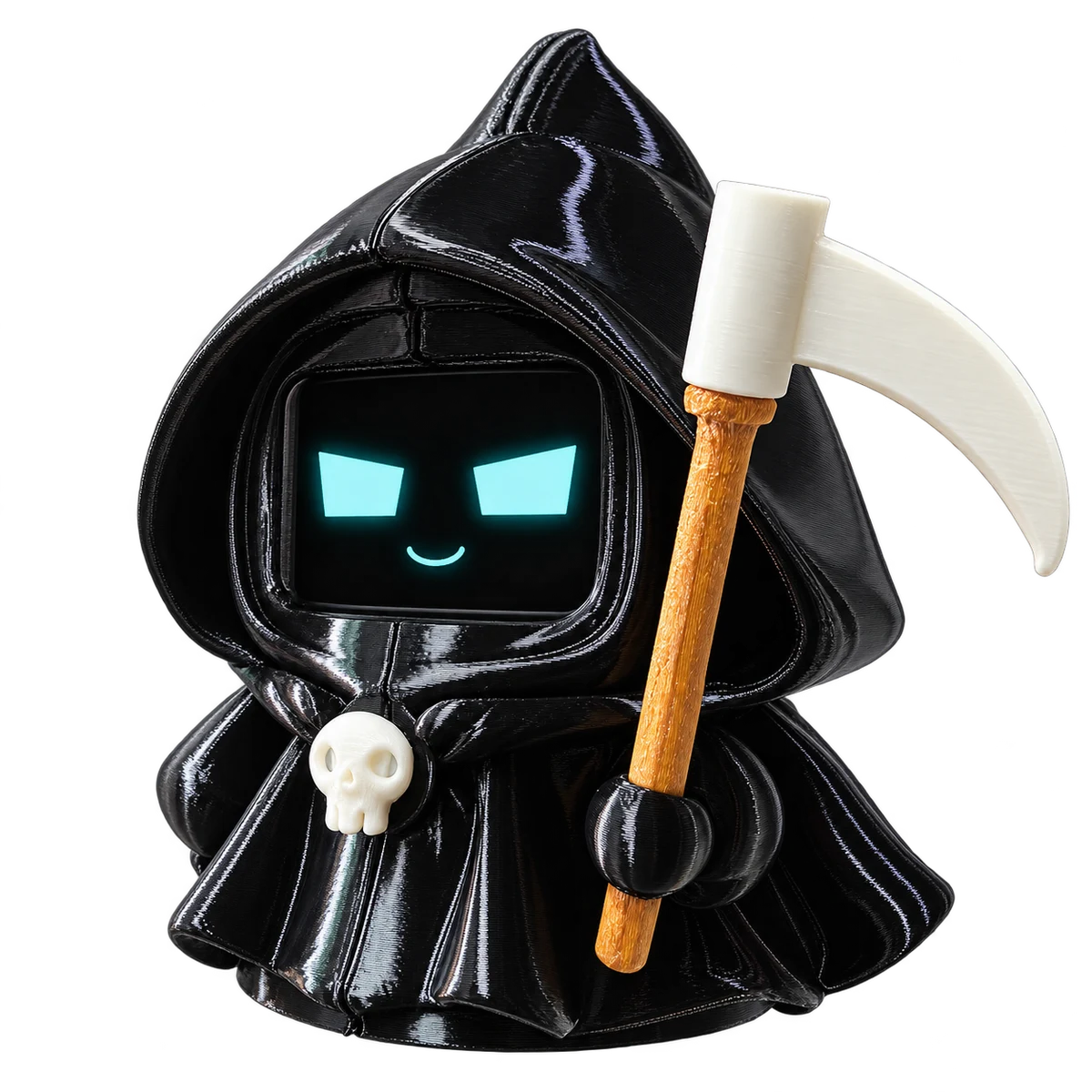
Your A1s, managed on mobile.
Pair your device, manage screen content and expressions, and sync content or update firmware over Wi-Fi.
Mobile pairing guide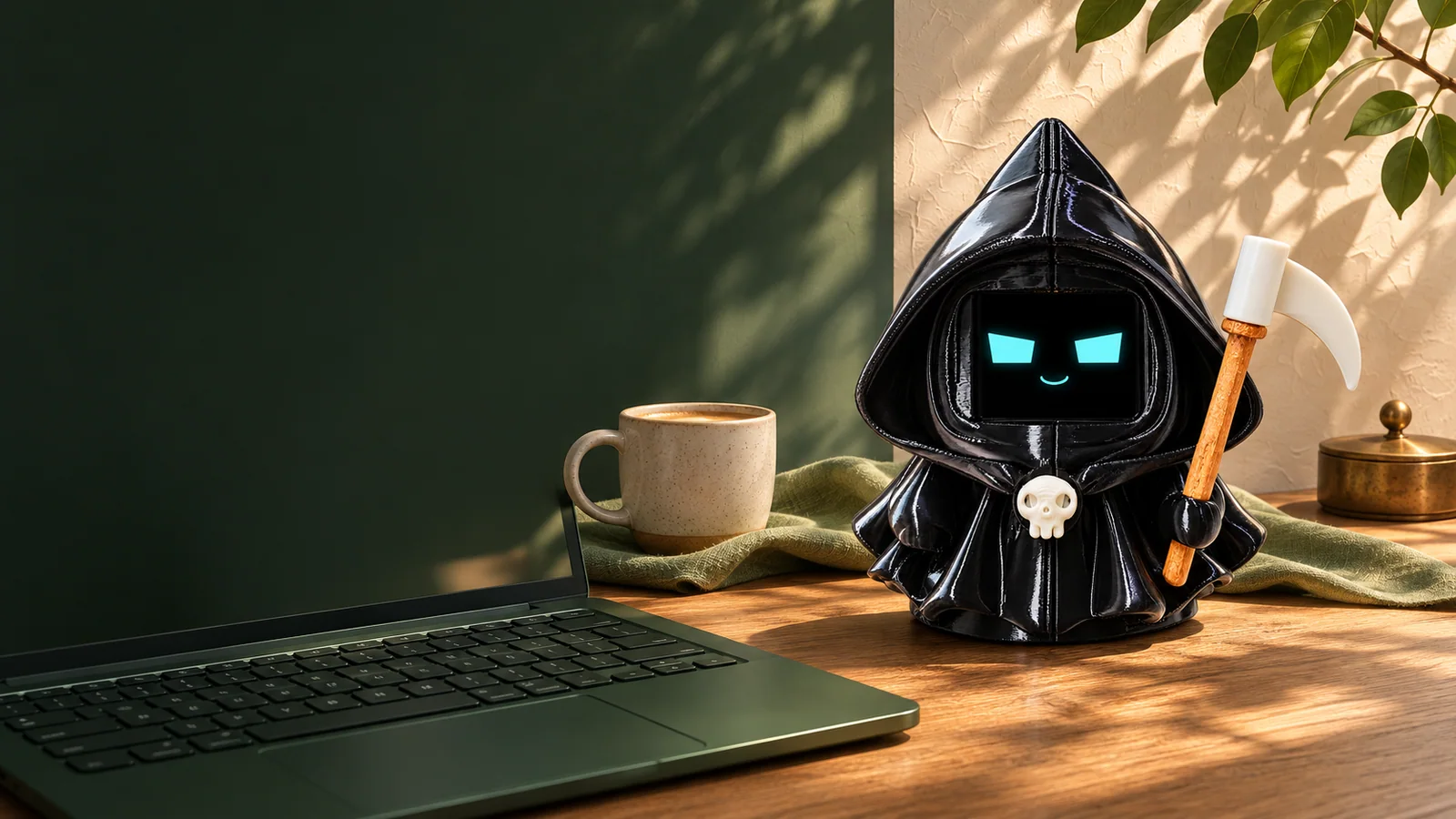
CHAPTER III / THE INVISIBLE THREAD
Change the screen, choose a voice and connect a model. Make A1s work your way.
Download appsONE COMPANION / TWO WAYS TO CONNECT
Pair your device, manage screen content and expressions, and sync content or update firmware over Wi-Fi.
Mobile pairing guideThe local version supports local LLMs and speech, stock, news and weather lookups, computer control, and notifications from Codex and DeepSeek Harness. Music playback control is available in supported music apps only.
Explore A1s featuresA LOOK INSIDE / MIPORE DESKTOP
Actual app screens. Switch views or zoom in.
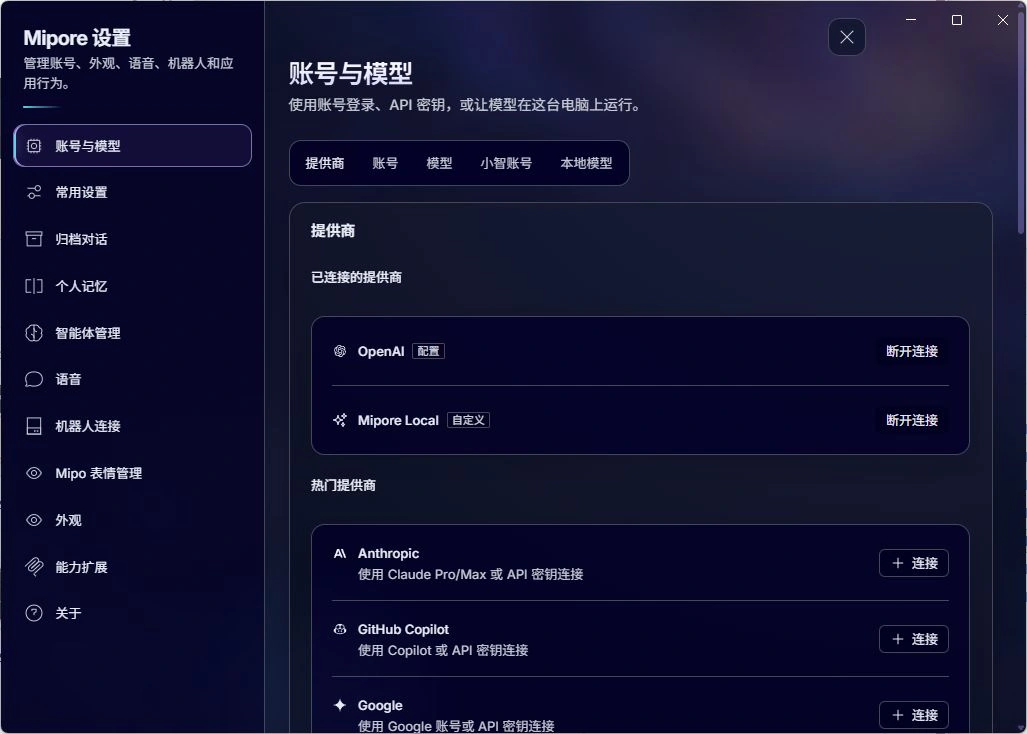
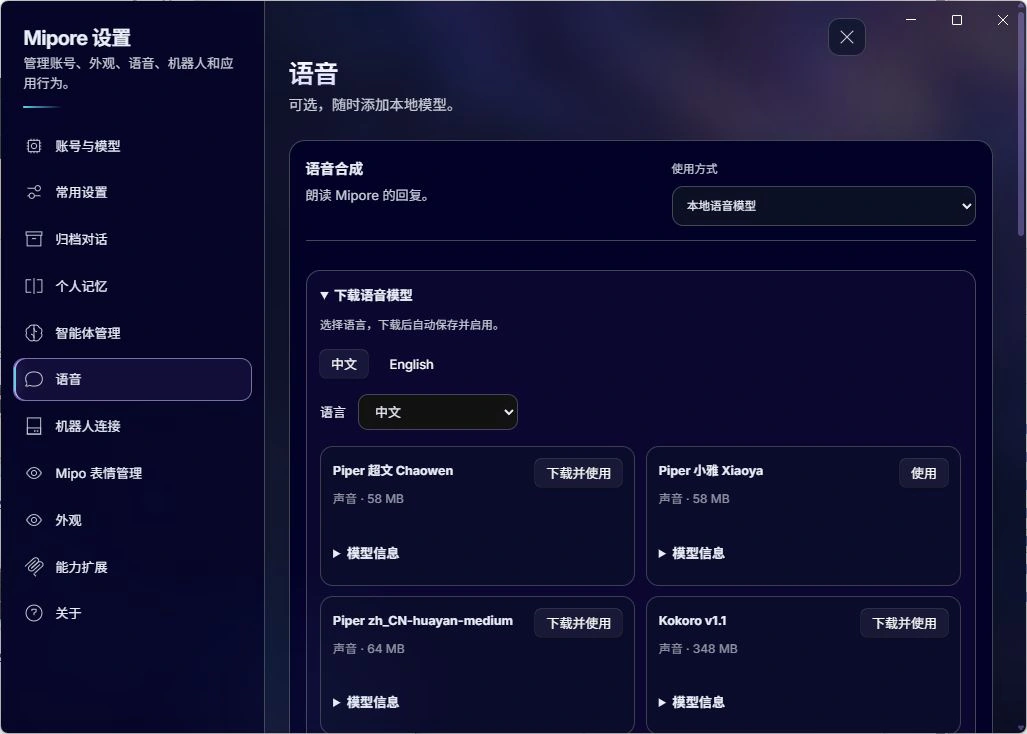
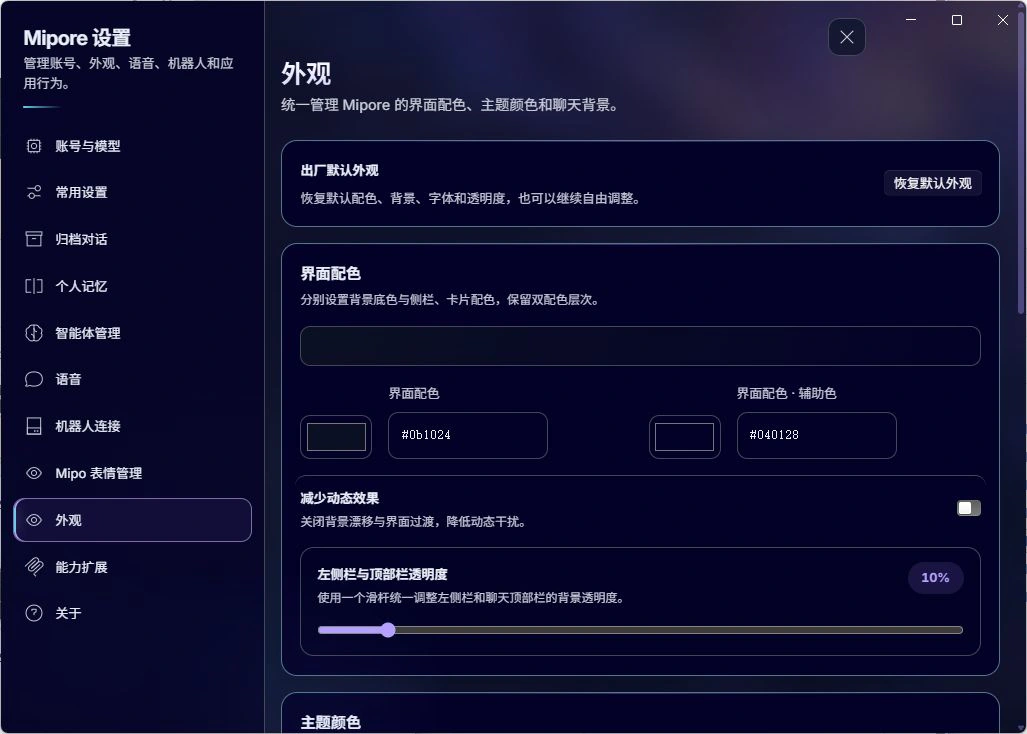
Supports ChatGPT, Claude, DeepSeek, Kimi and other mainstream models, as well as local LLMs.
Windows app captures · Chinese interfacePRIVACY / A CLEARER CONNECTION
Conversations, memory and app settings are stored by the local application. Cloud models receive the requests and context needed to answer; local storage does not mean all processing is offline.
The device receives the data needed for conversation, audio and expressions, and stores Wi-Fi and pairing settings. Model-provider credentials are not copied to the robot.
Online voices, tools and extensions may connect to their own services. Review their permissions and privacy information before enabling them. Website accounts and orders follow the website privacy policy.
MIPORE / DOWNLOADS
App downloads are not yet available. They will be provided here when open.
Connect models and local speech. Use computer control and tool notifications.
Pair your device, set up its network, and manage screens, expressions and firmware updates.
In preparation.
In preparation.
Follow the app prompts to connect A1s and choose compatible firmware. Mobile (Xiaozhi) model availability follows Xiaozhi support.