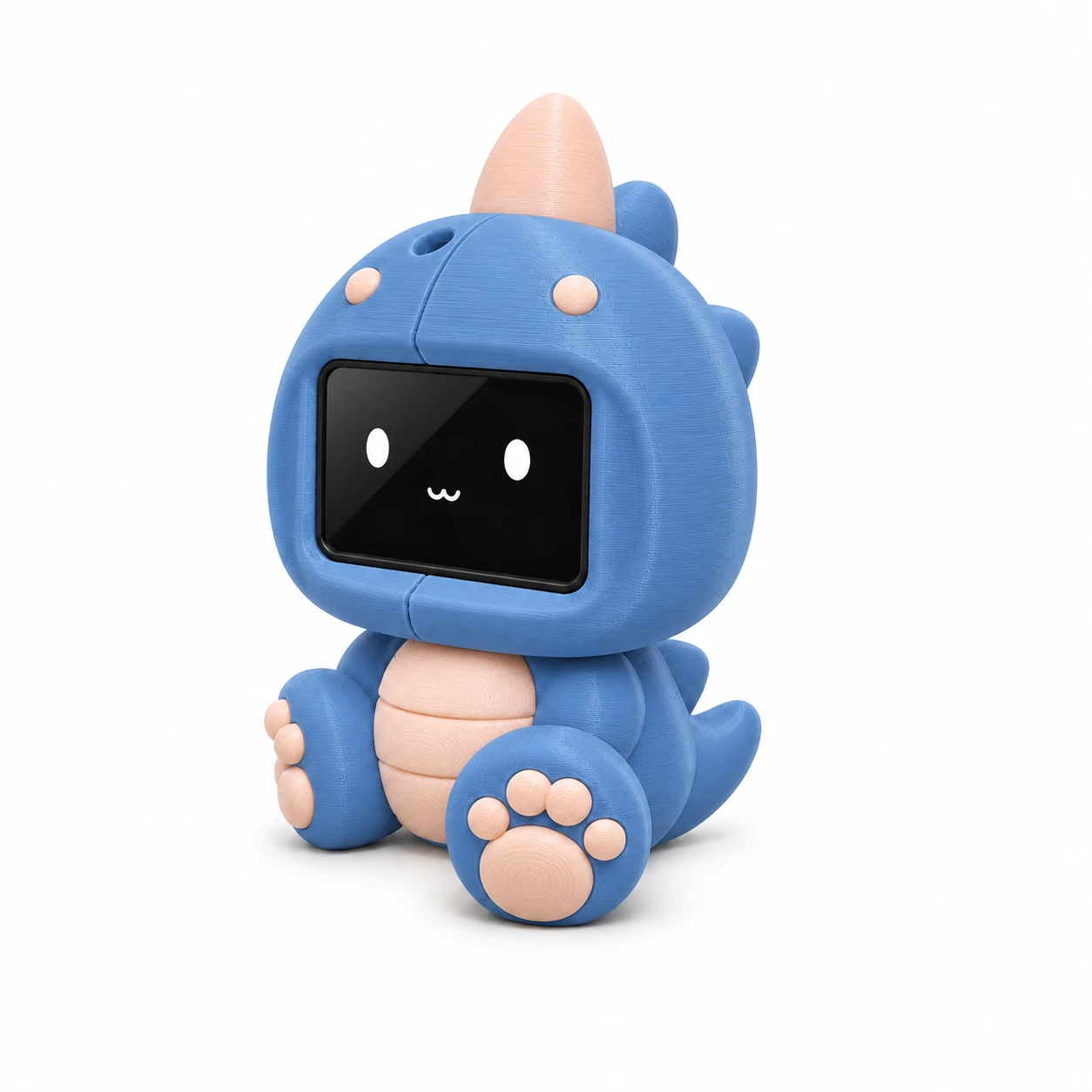
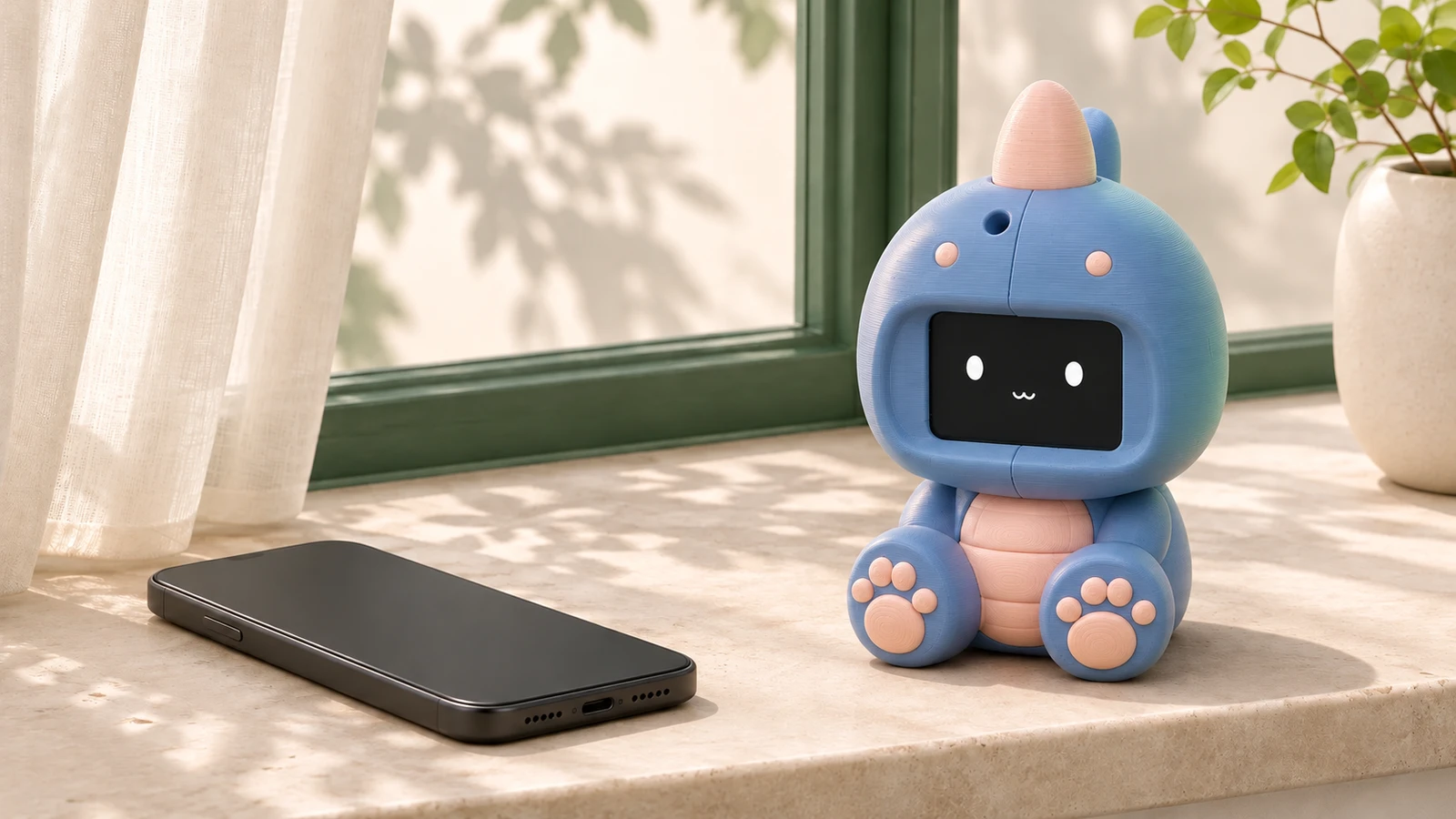
Design visualization · Final appearance and colors to be confirmed at release
MIPORE ORIGINAL / A1s COLLECTION
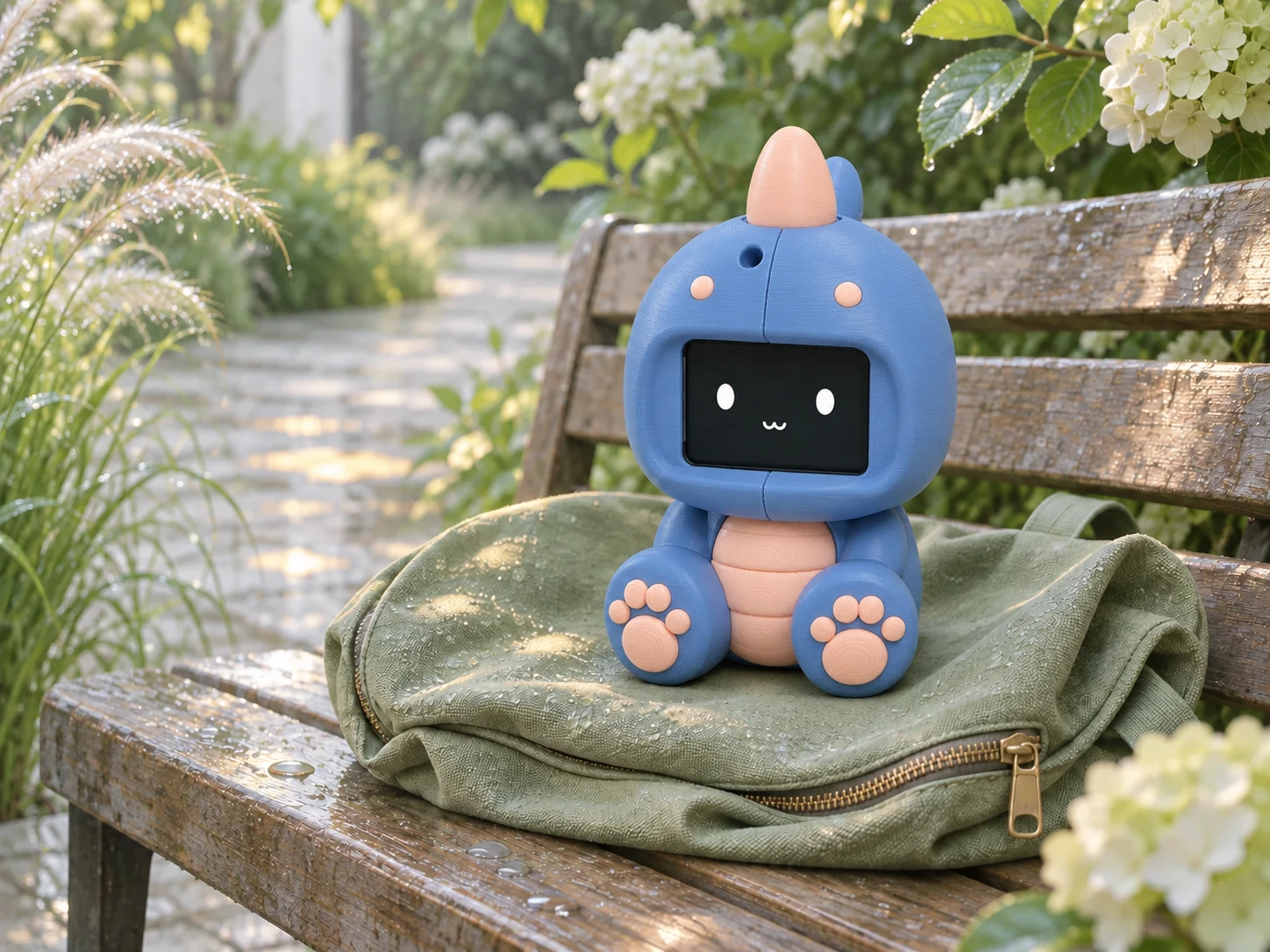
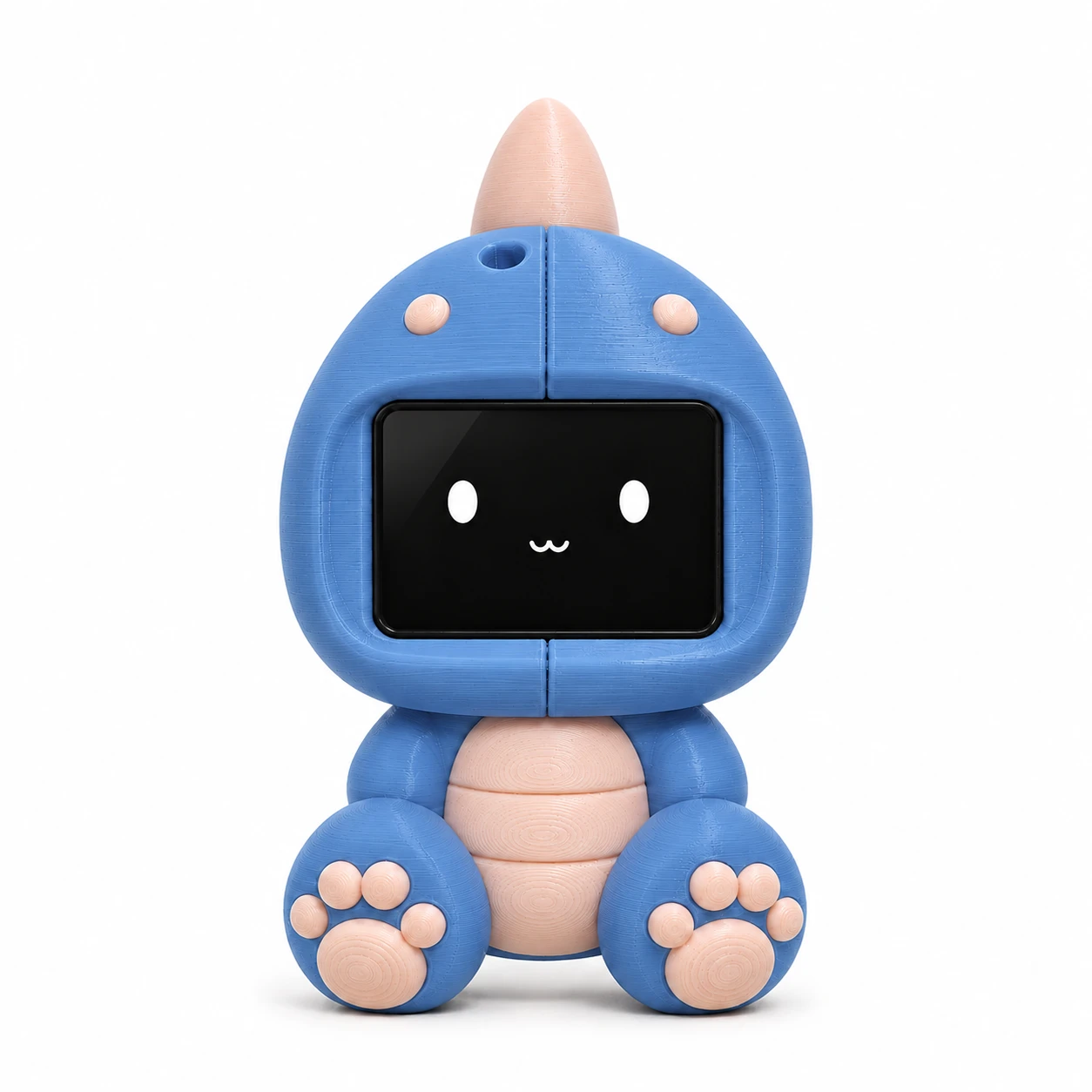
Dinosaur
恐龙
Voice conversations. A screen of your own.
Voice conversationsCustom screenMobile + desktop
Voice conversations, dynamic screens and your choice of models. Two characters with the same A1s capabilities.
LAUNCH OFFERUS$99US$49
Launch support: Android & Windows onlyiOS and Mac users: please do not order.
Production & dispatch
First-batch preorder · Payment open
Battery capacity
1000 mAh
Enclosure
3D-printed shell
The 3D-printed shell may have unavoidable fine layer lines or minor surface imperfections.
Shipping is expected to begin around December 2026 or earlier.
A1s
Dinosaur · Blue
SKU A1S-DINO-BLUE
Available for preorder
Price
$49.00$99.00
Preorder availability
5 · Available for preorder
配送
込み
数量
1注文につき最大2点
送料無料
数量1注文につき最大2点
1
A1s capabilities: two characters, the same possibilities
01A LITTLE WINDOW INTO YOUR DAY
Wallpapers. Time.
Words on screen.
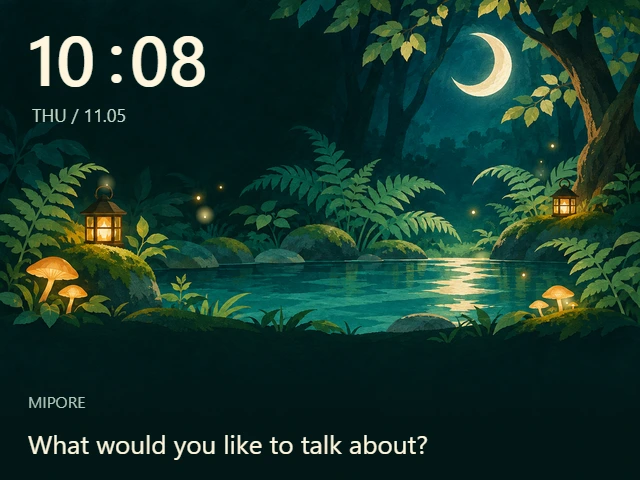
Animated wallpaper, a clock and on-screen dialogue. Change the picture to make the screen feel like you.
Set it up in the mobile or desktop app.
A1s / A LITTLE WINDOW320 × 240
10:08THU / 11.05
MIPOREHere to keep your ideas company.
SCREEN PREVIEW
Import into the mobile or desktop app, then sync to A1s.
Your image stays on this device · PNG / JPG / WebP
MAKE SOMETHING YOURS
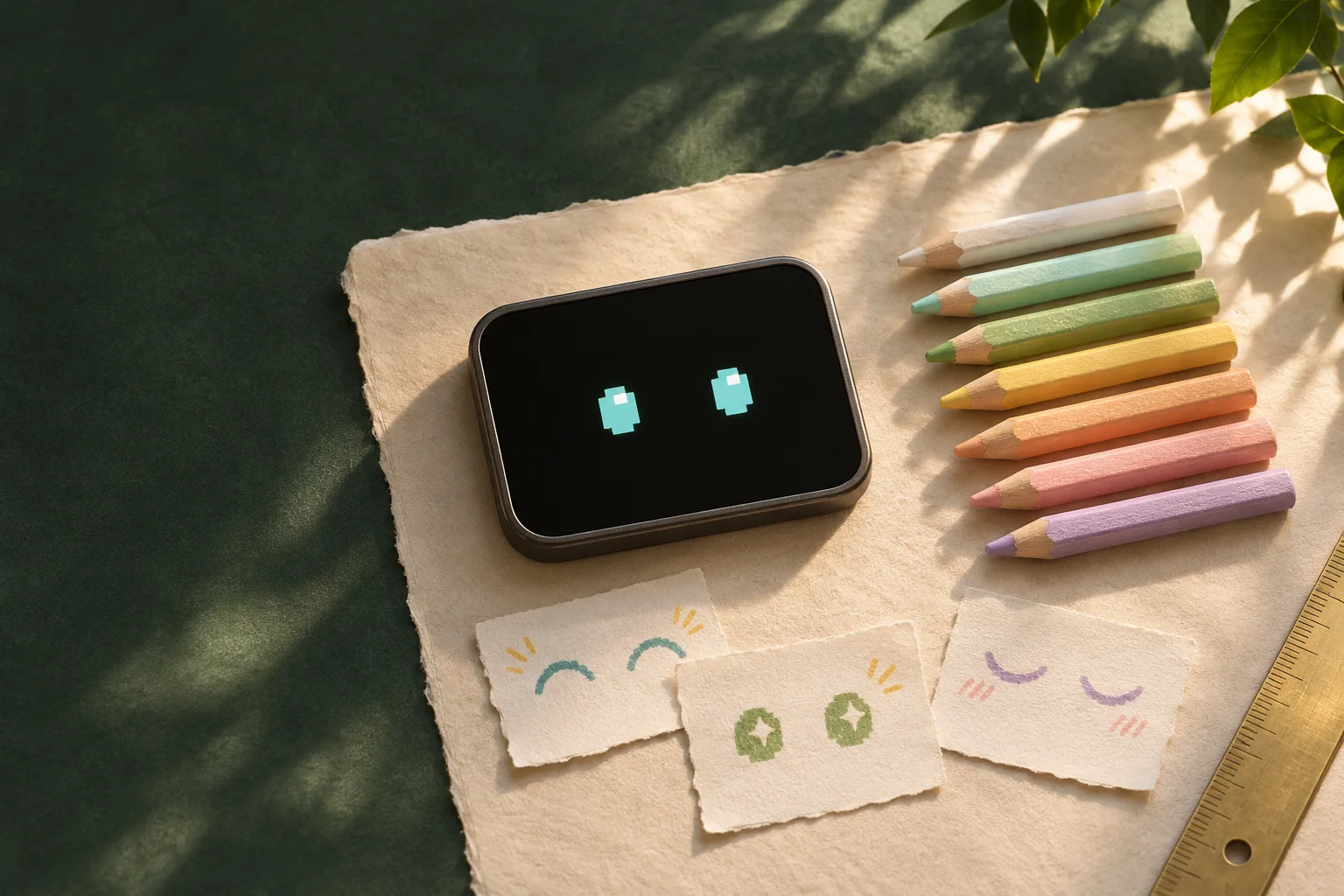
Draw a little face.
Make it your own.
Choose a preset, draw, or import an image. Download when you’re ready.
MIPORE / EXPRESSION ATELIERCurious
A1s / 320 × 240
Mobile / desktop: Expression library → Import.
Create locally. Images stay in your browser.
02 / EXPRESSION COLLECTION
Choose a look for your screen.
Choose a collection, then sync it to A1s over Wi-Fi from mobile or desktop.
A1s / 320 × 240Stitched buddyEveryday state · Actual artwork
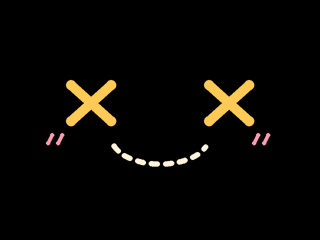
Collections include everyday, thinking and replying states. These are existing artwork examples, not a promise that all are preinstalled. Both versions support expression changes.
A LITTLE CONVERSATION
What shall we talk about?
Start with whatever is on your mind.
Conversation illustration
03WHISPERS BESIDE YOUR DESK
An idea to share.
Just say it.
Share an idea or ask a question. Talk with your AI companion.
Sample dialogue, not live AI.
04 THE INVISIBLE THREAD
Your AI.
Your choice.
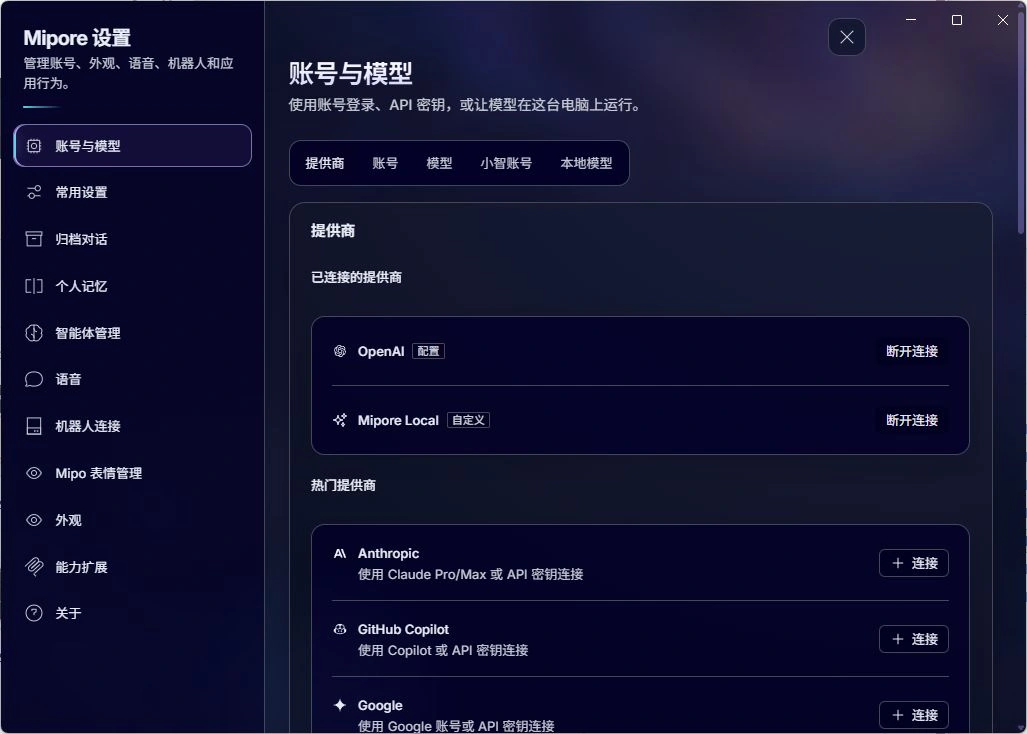
Switch the same A1s between local and mobile (Xiaozhi) versions. Mobile works over a network without a computer, using models supported by Xiaozhi.
Mobile (Xiaozhi)Local · Computer connected
MIPORE DESKTOPWindows app capture · Chinese interface
01
Mainstream models. Local LLMs.
LOCAL VERSION
Connect supported accounts or custom APIs for ChatGPT, Claude, DeepSeek, Kimi and other mainstream models. The local version also supports local LLMs.
02
Computer control. AI tool notifications.
LOCAL VERSION
Connect to the desktop app for computer control and AI tool notifications from Codex, DeepSeek Harness and more.
03
Local listening. Local speaking.
LOCAL VERSION
Use local ASR and TTS for speech recognition and synthesis on your computer in the local version.
ONE COMPANION / TWO WAYS THROUGH THE DAY
One A1s.
Two ways to use it.
01 / LOCAL
Local · Computer connected
Connect models and local speech. Look up stocks, news and weather, control your computer and receive tool notifications. Play music in supported music apps.
02 / XIAOZHI
Mobile (Xiaozhi) · No computer needed
Connect to a network for voice conversations. Available models are those supported by Xiaozhi.
05 / EVERYDAY TOOLS · LOCAL VERSION
Music. Reminders.
Everyday answers.
Use your voice for music, reminders, news, weather and stock lookups.
Music plays on your computer in supported apps.
Alarms ring on an online paired device or your computer, as configured.
Information lookups depend on configured models, tools and online services.
A1s / DAILY COMPANIONILLUSTRATION
m
12
Play some music for work.
Play, pause and switch tracks on your computer in supported music apps.
Preset illustrations only. This page does not play music, create alarms or fetch live information.
06 / MEMORY & ROLES · LOCAL VERSION
Remember your preferences.
Choose a role for each conversation.
Long-term memory
Less repetition. More continuity.
EXAMPLE MEMORY
Call me K, and keep answers concise.
Record names, preferences and ongoing matters for use in later chats. Add memories through conversation or enter them manually.
Browse by category
Edit entries
Delete entries
Multiple agent roles
Choose a role
for each conversation.
EXAMPLE ROLE PROMPT
Organize the task, then suggest the next step.
Create and edit roles, tone and prompts. Set a default or apply a role to a specific conversation.
Role configuration example. Manage your roles in the desktop app.
07 / SKILLS & MCP · LOCAL VERSION
Import skills.
Connect your tools.
Add reusable skills and compatible external tools to the local version, managed together in the desktop app.
Import from local skill folders or skill catalogs.
MCP supports local commands and remote HTTPS connections.
Connection illustration · Use your configured skills and tools
08A NEW CHAPTER, OVER THE AIR
New firmware.
Over Wi-Fi.
Update firmware wirelessly from the mobile or desktop app.
A LITTLE ROOM TO GROW
APPWI-FIA1s
0%
Demo only. No device connection.
PRIVACY / A CLEARER CONNECTION
Know where your data goes.
On your computer
Conversations, memory and app settings are stored by the local application. Cloud models receive the requests and context needed to answer; local storage does not mean all processing is offline.
On your A1s
The device receives the data needed for conversation, audio and expressions, and stores Wi-Fi and pairing settings. Model-provider credentials are not copied to the robot.
Connected services
Online voices, tools and extensions may connect to their own services. Review their permissions and privacy information before enabling them. Website accounts and orders follow the website privacy policy.


 A1s